
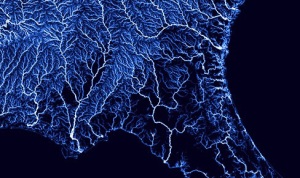
Visual Map of River Flow in the US
If you like maps like I do this desktop is for you . Originally, I saw a flickr image from Nelson Menar, but I wanted something much larger so… I went over to his vector tile project at github.com and used files from there. Special thanks to Nelson for putting them online.
Here is how I posted the above image:
[column parallax_bg=”disabled” parallax_bg_inertia=”-0.2″ extended=”false” extended_padding=”true” background_color=”” background_image=”” background_repeat=”” background_position=”” background_size=”auto” background_attachment=”” background_video=”” vertical_padding_top=”0″ vertical_padding_bottom=”0″ more_link=”” more_text=”” left_border=”transparent” class=”widemargin” id=”” title=”” hide_title=”false” title_type=”single” animation=”none” width=”1/1″ last=”true”]
[push h=”50″]JPG Desktop (5K)
This retina 5k wallpaper works great on older iMacs too because the “5K” iMac resolution – 5120×2880 – is just double the older 27-inch iMac’s resolution of 2560×1440)
[button id=”” style=”filled-small” class=”” align=”” link=”https://multimediabychris.com/wp-content/uploads/2014/12/U.S.-Rivers-5K-Desktop.jpg” linkTarget=”_blank” bgColor=”accent2″ hover_color=”accent3″ font=”24″ icon=”arrow-down” icon_placement=”left” icon_color=””]Download[/button]
[/column]
[column parallax_bg=”disabled” parallax_bg_inertia=”-0.2″ extended=”false” extended_padding=”true” background_color=”” background_image=”” background_repeat=”” background_position=”” background_size=”auto” background_attachment=”” background_video=”” vertical_padding_top=”0″ vertical_padding_bottom=”0″ more_link=”” more_text=”” left_border=”transparent” class=”widemargin” id=”” title=”” hide_title=”false” title_type=”single” animation=”none” width=”1/1″ last=”true”]
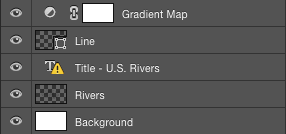
[push h=”50”]Photoshop File
Download this layered if you want to play with changing the colors.
[/column]
[column parallax_bg=”disabled” parallax_bg_inertia=”-0.2″ extended=”false” extended_padding=”true” background_color=”” background_image=”” background_repeat=”” background_position=”” background_size=”auto” background_attachment=”” background_video=”” vertical_padding_top=”0″ vertical_padding_bottom=”0″ more_link=”” more_text=”” left_border=”transparent” class=”widemargin” id=”” title=”” hide_title=”false” title_type=”single” animation=”none” width=”1/1″ last=”true”]
[push h=”10″]Large Print
This is a different aspect ratio, somewhat high res (best I can do at this time), but with wider, more appealing, margins
[push h=”30″]
[/column]
[column parallax_bg=”disabled” parallax_bg_inertia=”-0.2″ extended=”” extended_padding=”1″ background_color=”” background_image=”” background_repeat=”” background_position=”” background_size=”auto” background_attachment=”” background_video=”” vertical_padding_top=”0″ vertical_padding_bottom=”0″ more_link=”” more_text=”” left_border=”transparent” class=”” id=”” title=”” hide_title=”” title_type=”single” animation=”none” width=”1/1″ last=”true”]
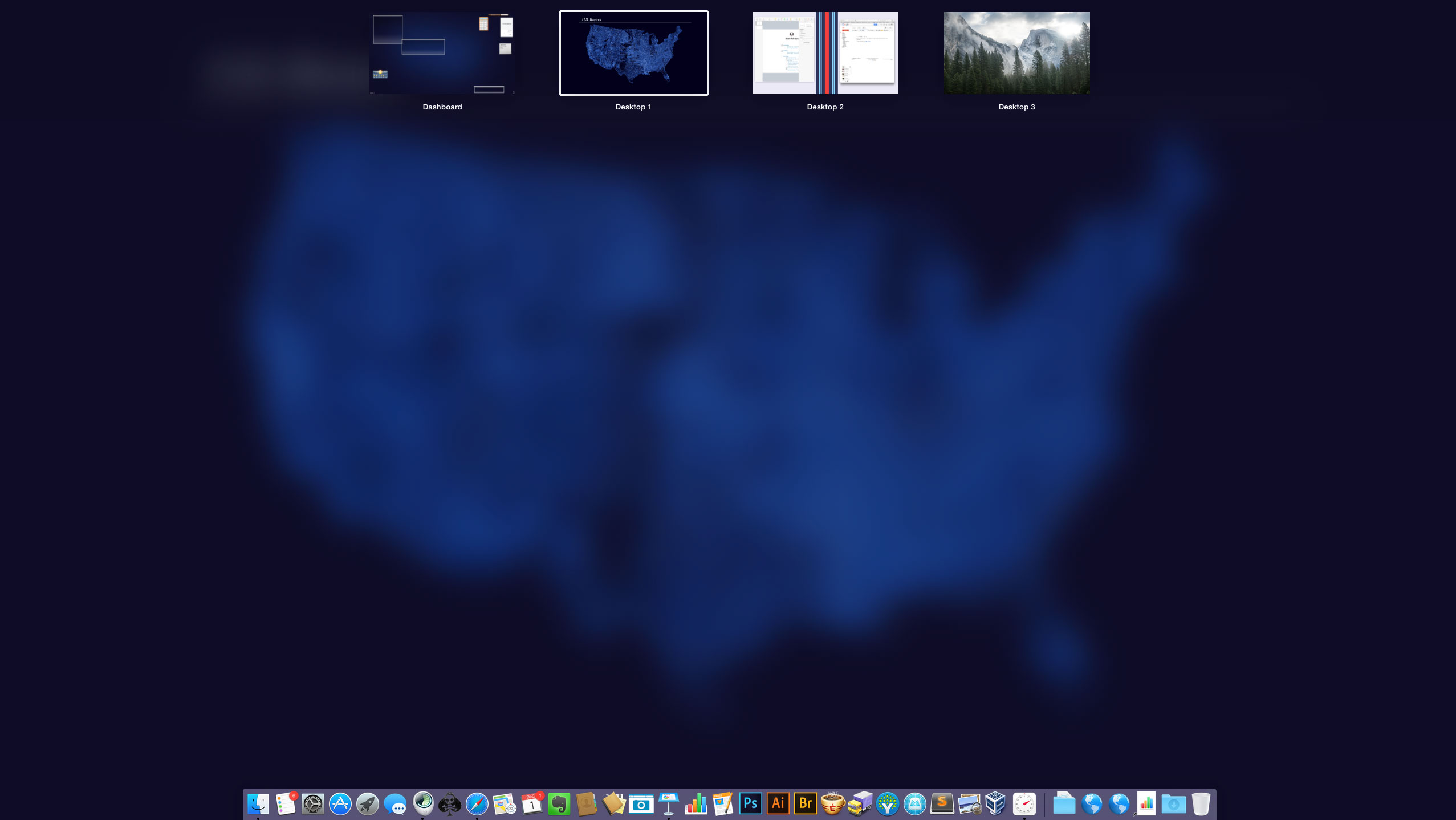
Also, I think it looks pretty great when you call up Mission Control, in Yosemite Mission Control blurs the desktop out (click to see actual size).
 Enjoy!
[/column]